


 |
 |
 |
 |
 |
|
 |
 |
-
20 - Part 7 – Accounting
Credit Memos
With the Quantrac 2005 Accounts Receivable, you have the ability to create Credit Memos (or negative balance
invoices). In accordance with Generally Accepted Accounting Principles, you may create a credit memo
referencing an unpaid invoice. You may apply that CM balance to any outstanding invoice.
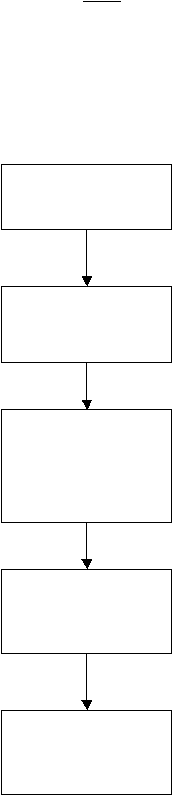
Flow Chart Example: The following flow chart is based upon the following hypothetical scenario.
Your company provides air conditioning service for a customer. An invoice is created and presented to the
customer. Before the invoice is paid by the customer, he/she changes his mind and decides to replace the repaired
unit, instead.
Using this scenario, you may create a credit memo for the full amount, tax, or any amount of either, thus effectively
nullifying the original transaction.
You provide the service
for a customer. You
present him with an
invoice.
When you create an invoice, the following GL Accounts are affected:
Revenue account increases (debit)
Sales Tax account increases (debit)
Accounts Receivable account increases (credit)
Customer later decides to
replace instead of the
already completed
repairs.
You create a Credit
Memo for part or all of
the original invoice.
Note: at this point, both
the original invoice and
the credit memo “live” in
your accounting system.
When you create a credit memo, the following GL Accounts are
affected:
Credit Memo Liability account increases
(debit)
Sales Tax account decreases
(credit)
Revenue Account Decreases
(credit)
If you print statements for
this customer at this
point, both the original
invoice and the credit
memo will appear.
To complete the cycle,
you must apply the credit
to the invoice. Upon
completion, they will have
cancelled each other.
When you apply the credit memo to an invoice, the following GL
Accounts are affected:
Credit Memo Liability account decreases
(credit)
Accounts Receivable account decreases
(debit)
|
 |
|